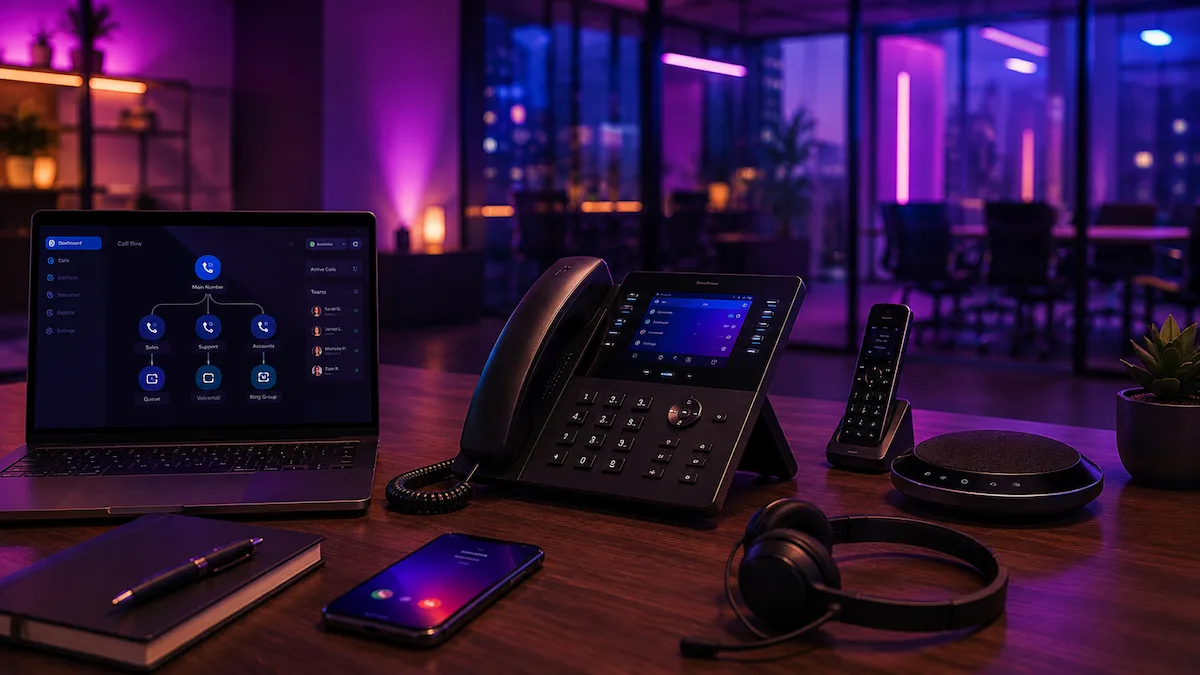
Most phone system conversations start in the wrong place.
They start with handsets, licences, apps, prices and features.
Those things matter, but they are not the starting point. The starting point is much simpler: what needs to happen when someone calls your business?
A phone system should support the way the business actually works. It should not force the business to work around whatever someone happened to install.
Start with “how should calls flow through the business?”
First, understand the call journey
Every business has a call journey, even if nobody has written it down.
A customer calls. Someone answers. Or they do not. The call goes somewhere. Or it rings out. The person might need sales, accounts, support, bookings, emergency help, or a specific member of staff.
A good system should answer these questions:
- Who answers the main number?
- What happens if they are already on a call?
- Should calls ring one person, a group, or different departments?
- Do calls need to go to mobiles as well as desk phones?
- What happens outside opening hours?
- Do missed calls need to be tracked?
- Should voicemail go to email?
- Does anyone need call recording?
Those answers matter more than the brand of handset.
Handsets, apps or both?
Some businesses still need physical desk phones. Others are better with softphones and mobile apps. Many need a mix.
A reception desk, warehouse, salon, clinic, dental practice or office hub may still benefit from handsets because the phone is part of the working environment.
Sales teams, remote workers and mobile staff may be better with apps because they can make and receive business calls without giving out personal mobile numbers.
The mistake is assuming one answer fits everyone.
Think about users, not just devices
A user licence usually represents a person or call position on the system. A handset is the physical device they may use. Those are not always the same thing.
A business may have three handsets but only one actual call user. Another may have one physical office phone but several staff using apps. Another may need shared phones in a building plus individual users for staff.
This is where quotes can become confusing. One provider may quote for one user and several handsets. Another may quote for several users. The monthly price may look cheaper until you realise the setup is not equivalent.
It may simply include fewer users, fewer features, less setup, or equipment charged separately.
Features should solve real problems
VoIP systems can come with a long feature list. That does not mean every business needs everything switched on.
Useful features often include:
- Call groups so more than one person can answer
- Voicemail to email so missed calls are visible
- Opening hours so calls route properly out of hours
- Call recording where there is a business reason for it
- Auto attendant menus for businesses with clear departments
- Call diverts for outages, holidays or staff absence
- Mobile apps for hybrid or field-based teams
- Reporting to understand missed calls and call volumes
The key phrase is “where there is a business reason”. Features should make the call flow clearer, not more complicated.
Do you need a menu?
An auto attendant can be helpful, but only when it genuinely helps callers get to the right place.
If your business has clear departments, a menu can work well. Press 1 for sales, 2 for support, 3 for accounts. Simple.
If your business is small and customers mainly want to speak to a human quickly, a menu can become annoying. Sometimes the best customer experience is a direct ring group with sensible overflow.
The question is not “can we have a menu?” The question is “will a menu improve the call experience?”
Resilience matters more now
Digital phone systems rely on an internet connection and power. That does not make them a bad choice. It does mean the surrounding setup matters.
If calls are critical, you need to think about:
- What happens if the broadband goes down?
- Can calls divert to mobiles?
- Do you need 4G backup?
- What happens in a power cut?
- Can staff still answer calls remotely?
- Who knows how to change diverts or opening hours?
The best phone system in the world will still feel poor if it sits on an unstable broadband connection with no backup plan.
Number porting needs care
Moving a number from one provider to another is a normal part of telecoms, but it should not be treated casually.
Before porting, you need to know which numbers matter, which services are attached to the old line, and what will happen to any associated broadband or legacy services.
A main number is often printed on websites, invoices, directories, vehicles, signage and old customer records. Losing it or disrupting it unnecessarily is not a small admin mistake. It is a business problem.
The practical way to specify a phone system
Before asking for a quote, write down:
- How many people need to make and receive calls?
- Who answers the main number?
- What happens when nobody answers?
- Do staff work from mobiles, desks, home or multiple sites?
- Do you need recordings, voicemail, reports or menus?
- Do you need to keep existing numbers?
- Is your broadband stable enough for voice?
- What is the fallback if broadband fails?
Once those answers are clear, the quote becomes much easier to judge.
You are no longer comparing random licence costs. You are comparing whether the proposed system actually fits the business.
For practical phone setup support, see our VoIP and cloud phones page. If your phones rely on broadband, it is also worth reviewing business broadband and checking your setup with the Telecom Health Check.
Start with the free Telecom Health Check and we’ll help you spot risks, waste and next steps.